Arena Breakout Android frame drops after the update? One player found a changed setting
A player spotted Rendering Mode set to Performance in the shooting range; another described what happened after switching back.
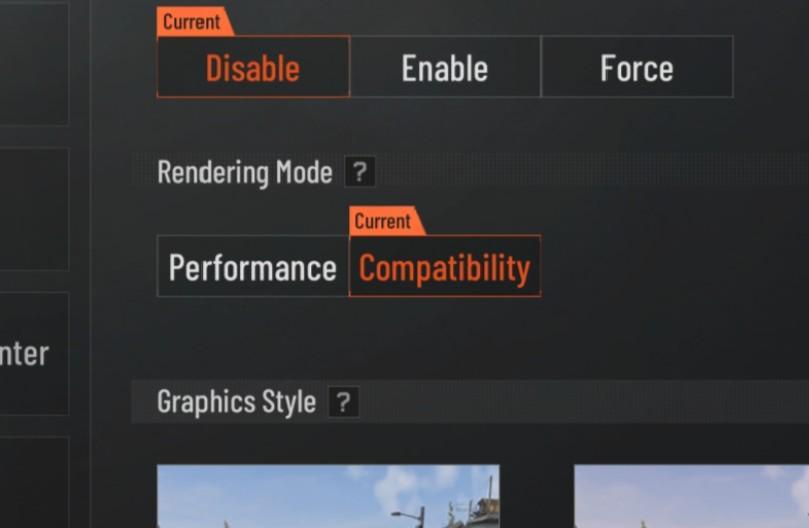
If Arena Breakout mobile starts dropping frames after an update, check Rendering Mode in the graphics settings. In player crazy_David99’s screenshot, the setting offers Performance and Compatibility, with Compatibility selected. Their suggestion is to check whether that setting changed during the update.
The player said that after the new season arrived, their frame rate fell from 120 to 90–70 even on minimum graphics. Lowering the resolution from 1080 to 900, reinstalling and reducing the frame-rate cap to 90 had not stopped the drops. In the shooting range, while inspecting a gold FAL skin, they noticed that the Compatibility setting they normally used had changed to Performance.
Another player, Street-Committee-367, replied that they had severe drops after the update too. They found Performance selected and said the game ran smoothly after switching back to Compatibility. The original poster did not provide a complete before-and-after frame-rate test; the improvement is the other player’s own report.
Open Settings → Graphics and find Rendering Mode. If both options appear, try Compatibility and return to the shooting range or the scene where the drops occurred. Some commenters could not find the option at all, so this particular check is unavailable on their devices.
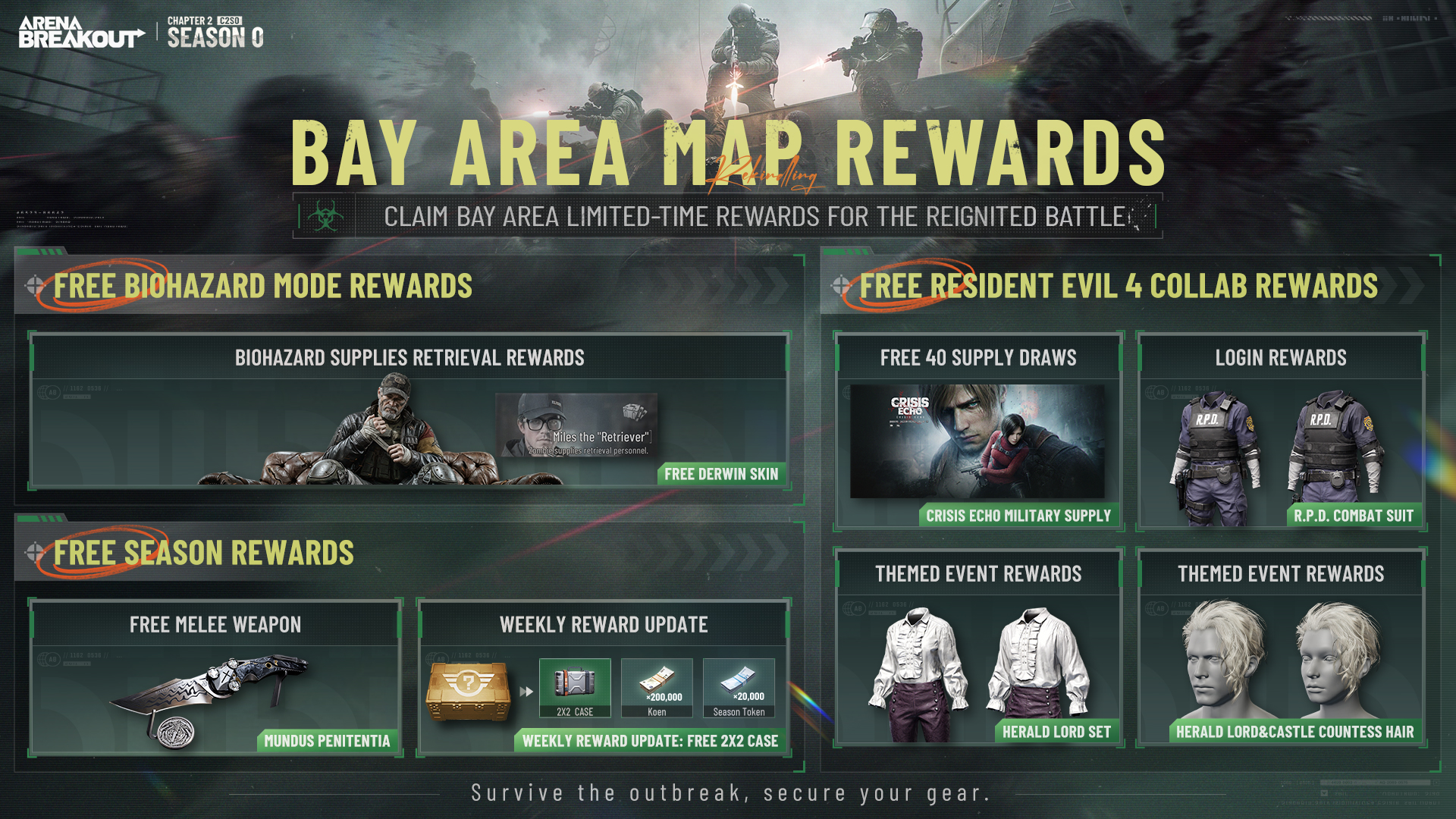
The official mobile listing confirms Chapter 2 Season 0 is live. The discussion concerns the normal international Android client; the original poster did not identify their server region or establish that the update changed every device.